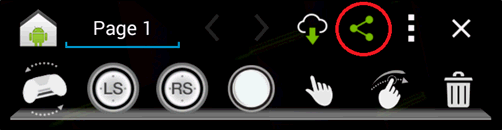
The community profiles give you the ability to share, email, and rate Gamepad Mapper profiles. Select the  gizmo to display the share options.
The Share mapping option is accessed by touching in the Gamepad Mapper tool bar. From the menu, select Share mapping to display an email menu where you can share custom-created gamepad mapping with other gamers. Sending your profile to NVIDIA makes the profile available to others.
You can also enter your Email address/nickname and any notes you want to include with the gamepad mapping you send.
Use the Email mapping option to share custom-created profiles to the server or with your friends. Your custom mappings can also be shared using other Android apps such as Google Drive, Email or Gmail.
Selecting Gmail or Email displays an email composition dialog where the custom mapping is included as an attachment.
When the Email is received with the mapper file attachment, the user selects the attachment and imports it. The imported mapping profile saves automatically on the SHIELD portable and syncs up with the game.